Group Administrators and storage management
Group Administrators (GA Accounts) are a concept that can help to manage the lifecycle of research projects. The idea behind a GA account is to separate the administration of groups and storage areas from individuals, thus being able to easily transfer a project by transferring the user account to another person. In principle, a GA account:
- is a local user account created by your institution and assigned to an individual person
- should have multifactor authentication activated at all times
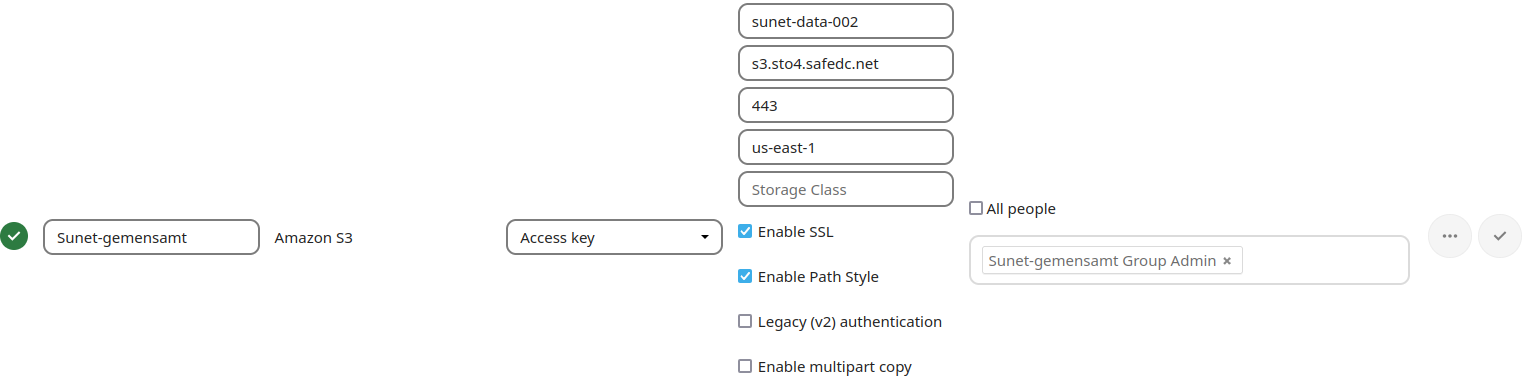
- owns a storage area for a project, assigned by your administrators
- has their own storage quota that is applied to the trash bin
- can restore files that have been deleted by other users
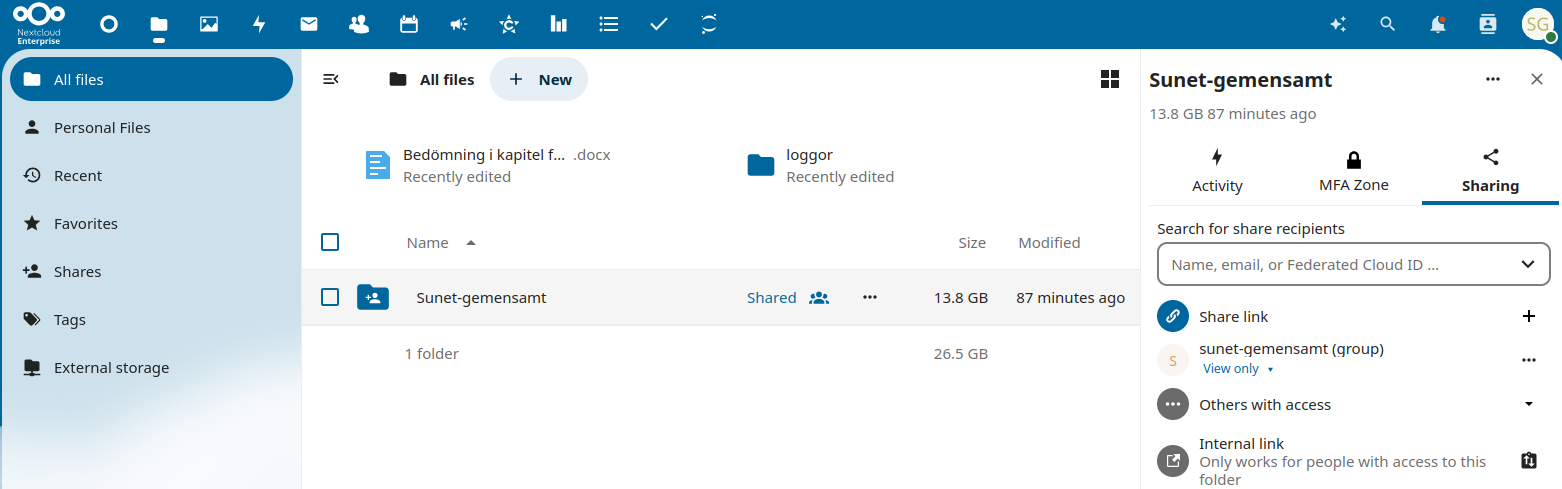
- owns the sharing structure of a project (which then can be delegated to individual users)
Hint: Any local user account can be used as a GA account. It is good practice, though, to have policies in place that complement the management of GA accounts. This includes naming conventions, such as a prefix (ga_) for the username and a one-to-one association between GA accounts and assigned storage areas.
GA account assigned to a person

Storage area assigned to a GA account
GA account owning a storage area that has been shared with a group