eduID and two factor authentication - TFA
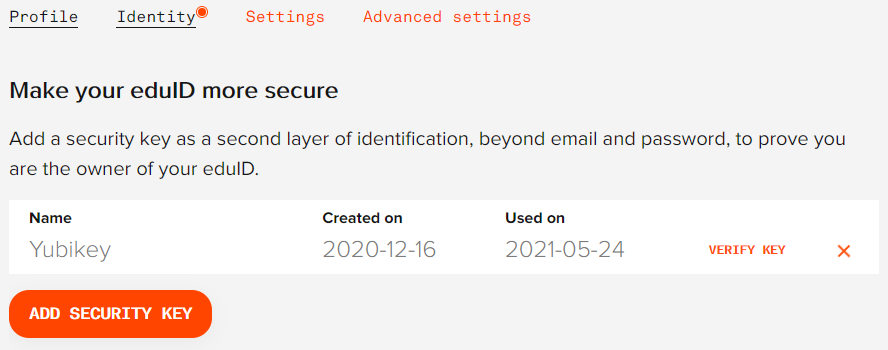
If you have created an eduID, it is easy to add two factor authentication (TFA) using e.g., a YubiKey. Just go to “Advanced Settings” and click on “Add Security Key”.
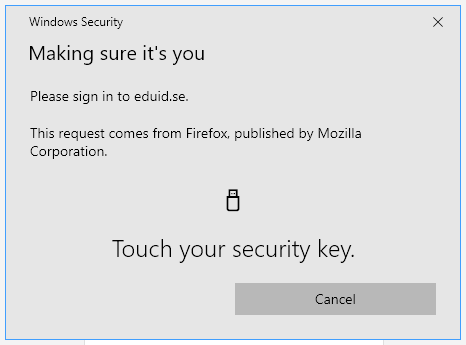
Whenever you log on to any service that uses eduID (including Sunet Drive), you will be asked to touch the key to verify your login.