National and International Collaborators
With Sunet Drive you can collaborate not only on an institutional level, but also on a national and international level. The usual way to collaborate nationally and internationally is to ask your collaborators to create a user account with Sunet Drive, and then invite them using the normal sharing functionality of Nextcloud. In order to create a user account with Sunet Drive, please do the following:
- Go to https://drive.sunet.se
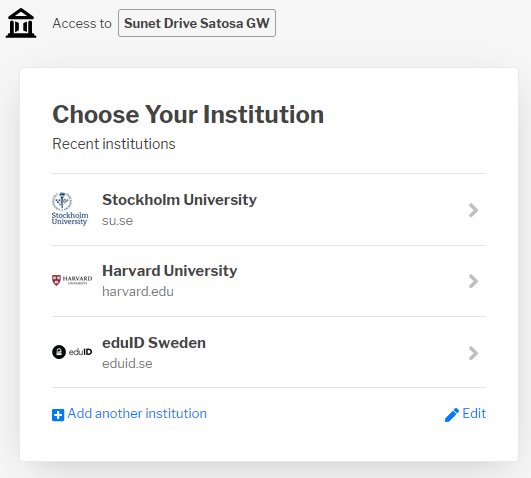
- Select “Sign in with your organization or institution account (SWAMID/eduGAIN)
- Click on your institution or select “Add another institution”
- Log in using the identity provider (IdP) of your institution
Swedish users will get a user account at their respective node of Sunet Drive, international users will get a user account at https://extern.drive.sunet.se. Once your collaborator has created a user account you can then find them using the normal sharing function. Note: To ensure you share data with the right person, it is recommended to ask them for their Federated Cloud ID.
Some international institutions do not provide the metadata required to access Sunet Drive, such as a username, email address, and name. Their IT department must update the institution's identity provider. As an alternative, affected users can create an account with eduID and use it to log in to Sunet Drive. See eduID for external collaborators for details.
Edit institutions to log on to Sunet Drive
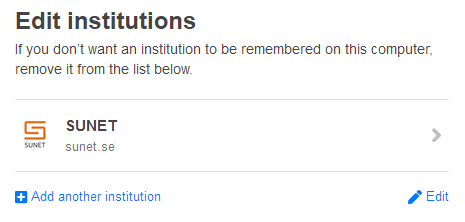
Example of multiple institutions to log on to Sunet Drive