MFA Backup Codes
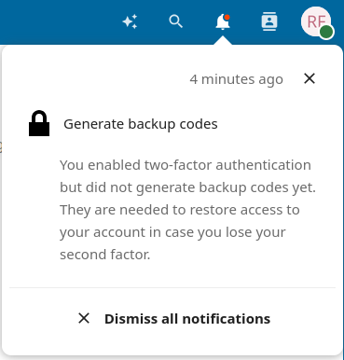
Nextcloud allows you to generate backup codes, in case you lose access to your other added security factors, such as WebAuthn or TOTP.
- Open your web browser and log on to Sunet Drive with your user account
- Go to (User account symbol) → Settings → Security
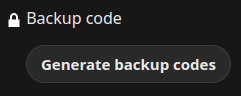
- Click on “Generate backup codes”
- Save the backup codes in a secure location
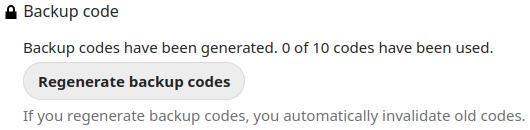
Note: Nextcloud provides you with the information how many codes have been used and you can always regenerate backup codes, invalidating the old ones.
Regenerating backup codes
Generate backup codes
Notification with a reminder to generate backup codes