Creating Write-Only Folders
Sometimes you want to enable a collaborator to upload/add files, but not remove them later. There are two possibilities to do so in Sunet Drive:
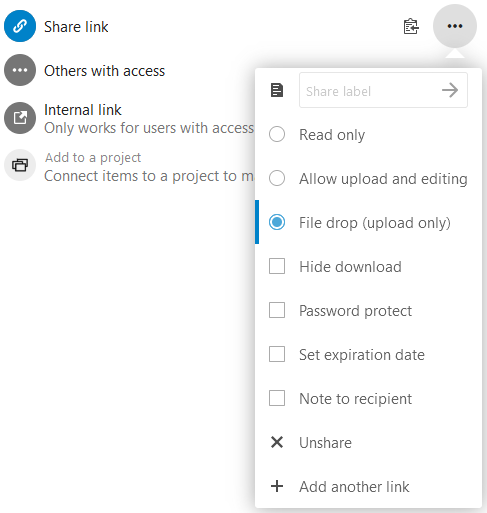
- Create a share link and activate “File drop (upload only)”
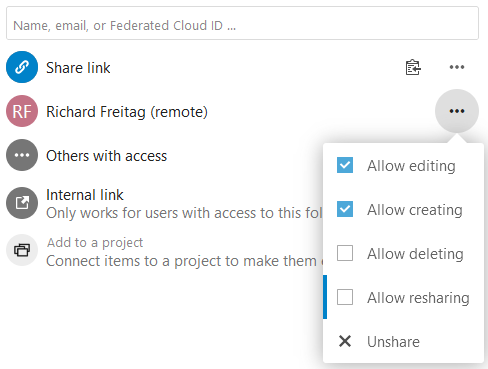
- Share a folder with a collaborator and remove the checkmark from "Allow deleting”
Note: If you remove the option “Allow editing” for individual user settings, the user can create a file only once. This can cause an issue with the Collabora-integration. If a user tries to create a document in a “write-only” folder, Collabora will create a 0-byte file and then receive an error message.
Write only share link
Write only for an individual user