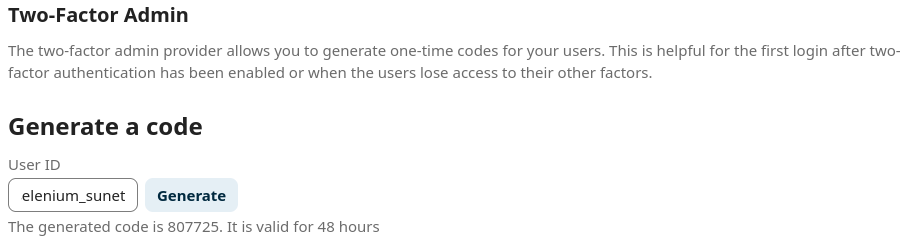
Create MFA Admin Code (One time MFA Code)
If a user has problems accessing their account using their other factor, it is possible to generate a one-time admin code:
- Log on to Sunet Drive as an admin
- Go to Administration Settings
- Select Administration → Security
- Scroll down to “Two-Factor Admin”
- Type the username and click on “Generate”
Sunet Drive will then generate a one-time code that can be used to log on, as described here. Once the user is logged on, they can then fix their MFA, including generating new backup codes.
Note: It is recommended to only share the one-time code through approved and secure channels.
Example of a generated admin code