Share files and folders with others
Sunet Drive makes it relatively easy to share files and folders not only internally, but also with other users. Depending on your use-case, there are multiple ways of sharing information with others:
- Create a link for someone that already has access to the folder
- Share with a collaborator that has an account on the local Sunet Drive node
- Share with a collaborator on another Sunet Drive node
- Share via E-Mail
- Custom Share link
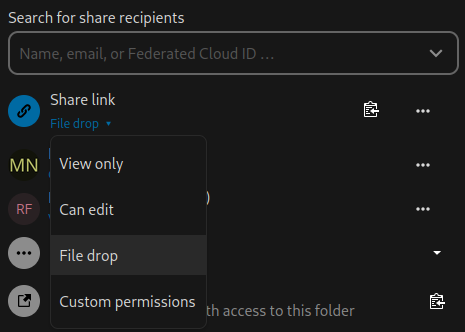
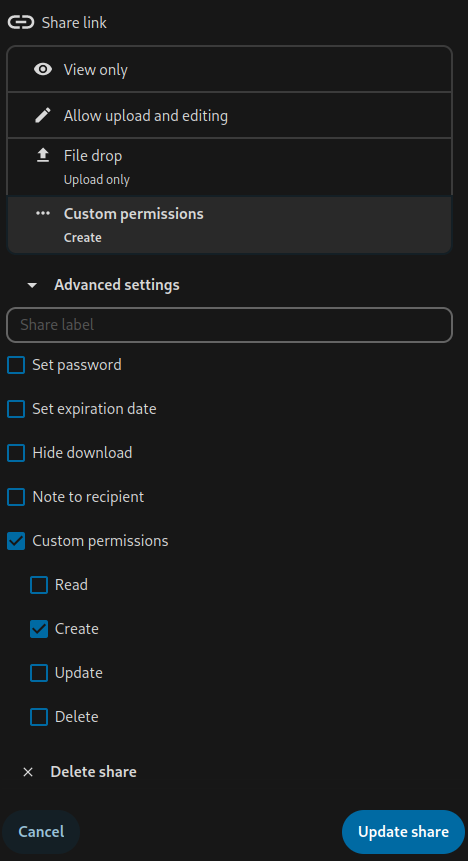
On top of those types of shares, you can select from a default set of permissions, or set customized permissions:
- View only
- Can edit
- File drop (share link only)
- Custom permissions
Note: Sunet Drive generally allows you to create share links that do not require the receiver of the link to log on to Sunet Drive. You will have to assess whether the type of share is appropriate for your data.
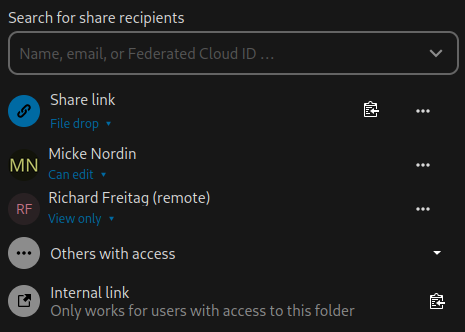
Example of a shared folder with all sharing options
Sharing options for a share link
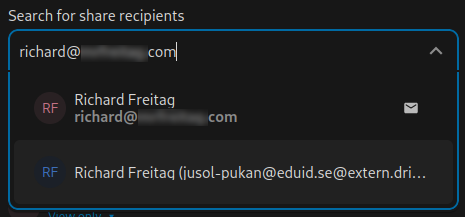
Share recipient - First options shares via e-mail, second option via eduid account on Sunet Drive
Customizing a share link, including option to set a password
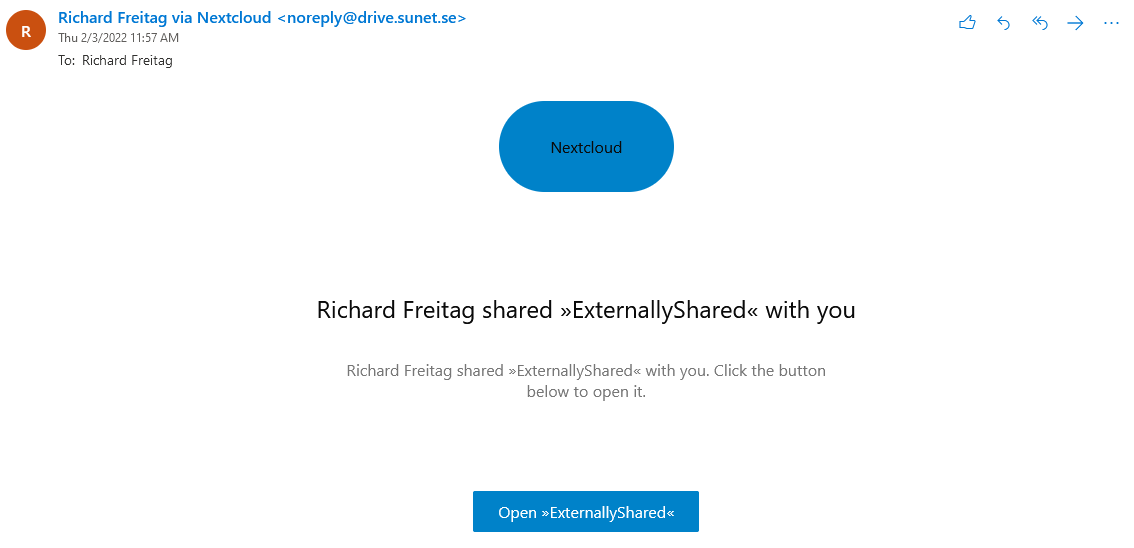
User receiving an e-mail notification
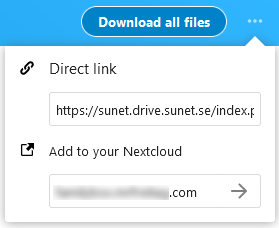
User selecting “Add to your Nextcloud”
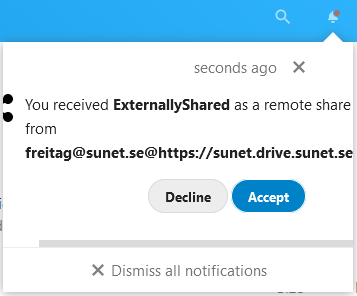
Notification of a remote share invitation