Configure Terms of Service
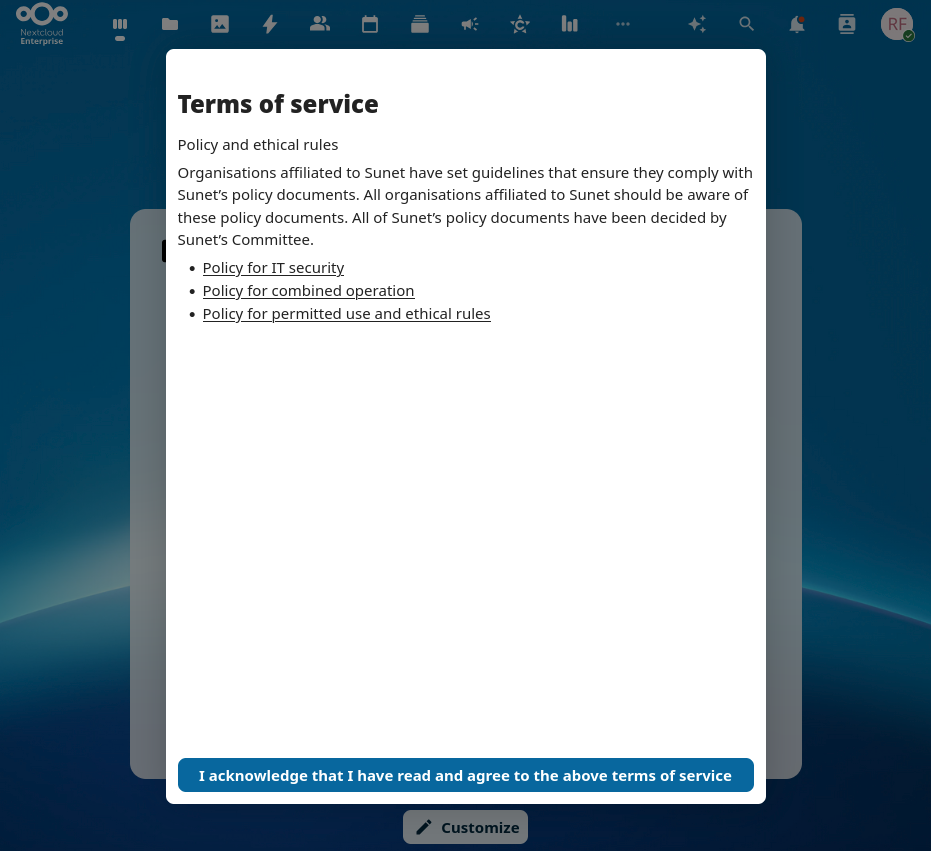
Sunet Drive can use an app ‘Terms of Service’, which shows custom ToS when a user logs on for the first time.
- Log on to Sunet Drive as an administrator
- Make sure that the Terms of Service app is active
- Go to Administration Settings → Administration → Terms of servce
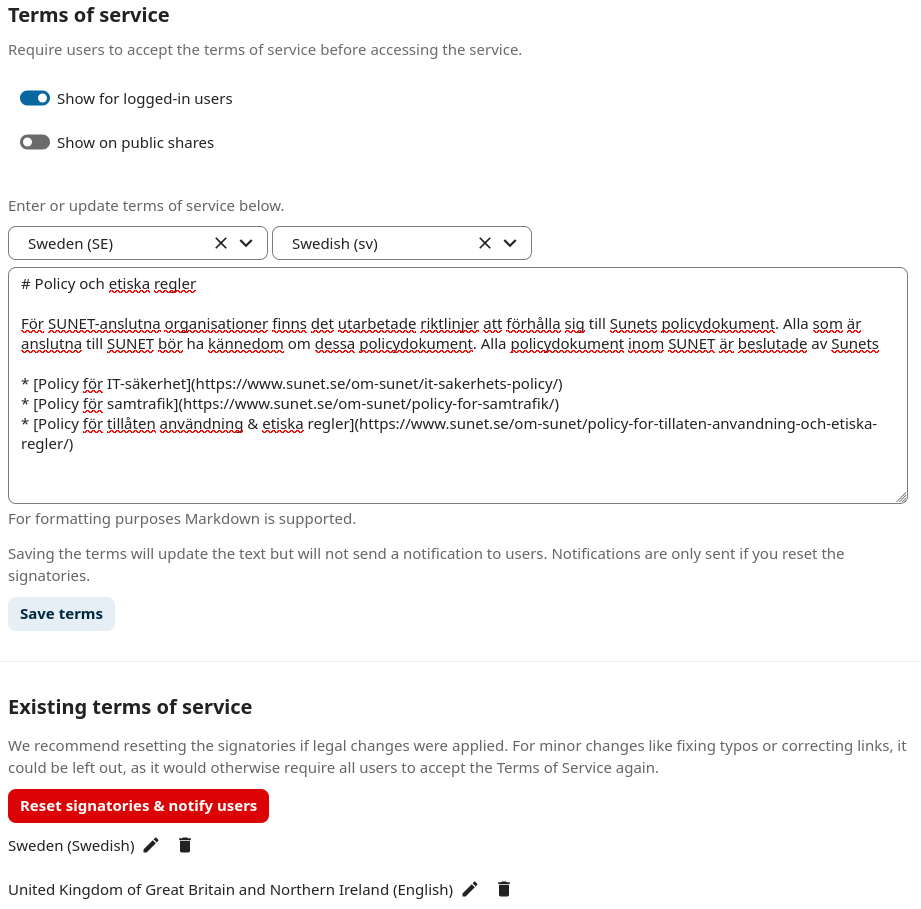
- Configure the settings and languages of your ToS
The app supports Markdown to format the text. You have different settings that you can customize for your Sunet Drive instance. This includes requiring to accept ToS for public shares, but also reset the ToS for all users.
Example of a ToS configuration with ToS in Swedish and English
Example of a Terms of Service screen for a user