Logout from the mobile app
The mobile app can handle multiple user accounts, and sometimes it is necessary to logout from one of your accounts. This is the instruction for the iOS app, and the process should be similar on the Android app.
- Open the Nextcloud app
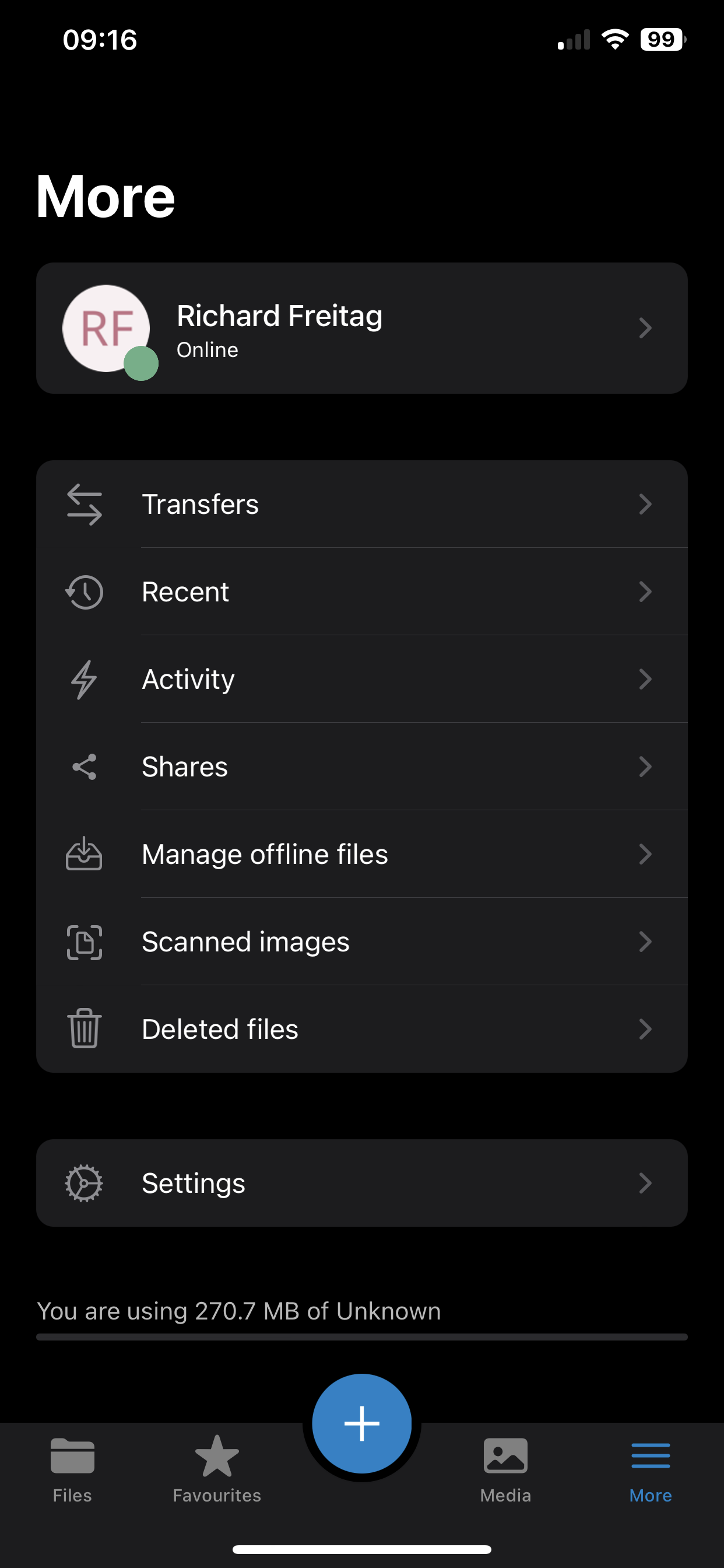
- Click on “More” at the bottom right of the screen
- Select your current name/username at the top of the screen
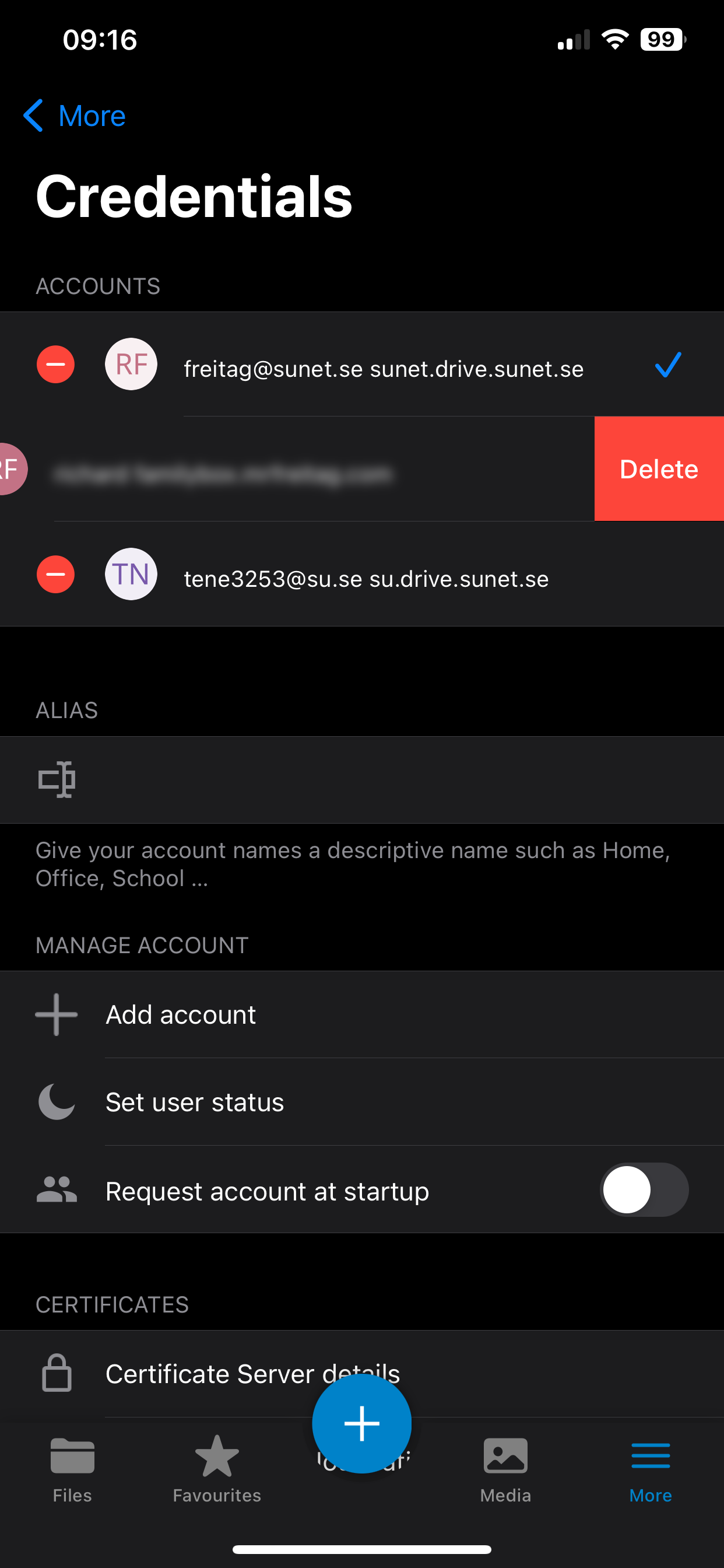
- Click on the red minus button and then “Delete” for the user account you want to remove
Click on your username to see all of your user accounts
Select the red minus and then “Delete” to remove the account